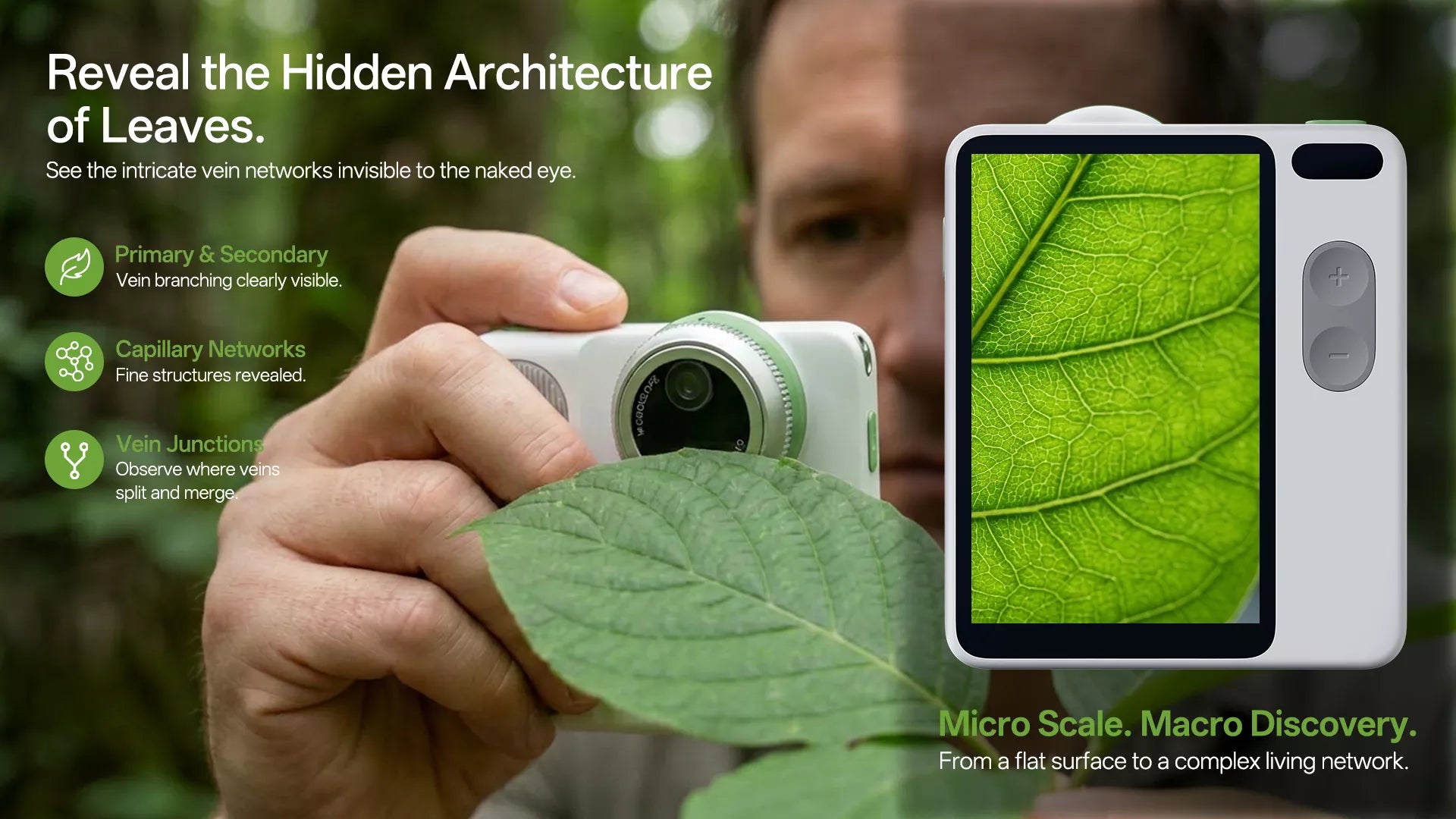
MicroCam X1 changed how I shoot nature, and I’m going to show you exactly how to use it.
The Real Problem With Nature Photography
Most people don’t suck at photography.
They’re just too far away.
That’s it.
You’re shooting plants like landscapes.
You’re missing the texture.
You’re missing the story.
You’re missing the detail.
Detail is what makes boring shots look premium.
What Makes MicroCam X1 Different

I’ve used phones.
I’ve tried entry-level macro lenses.
I’ve tested clip-ons that feel like toys.
Here’s what actually matters:
1. Real Magnification (Not Fake Zoom)
Phones zoom.
MicroCam X1 gets physically closer.
- 400× microscope-level detail
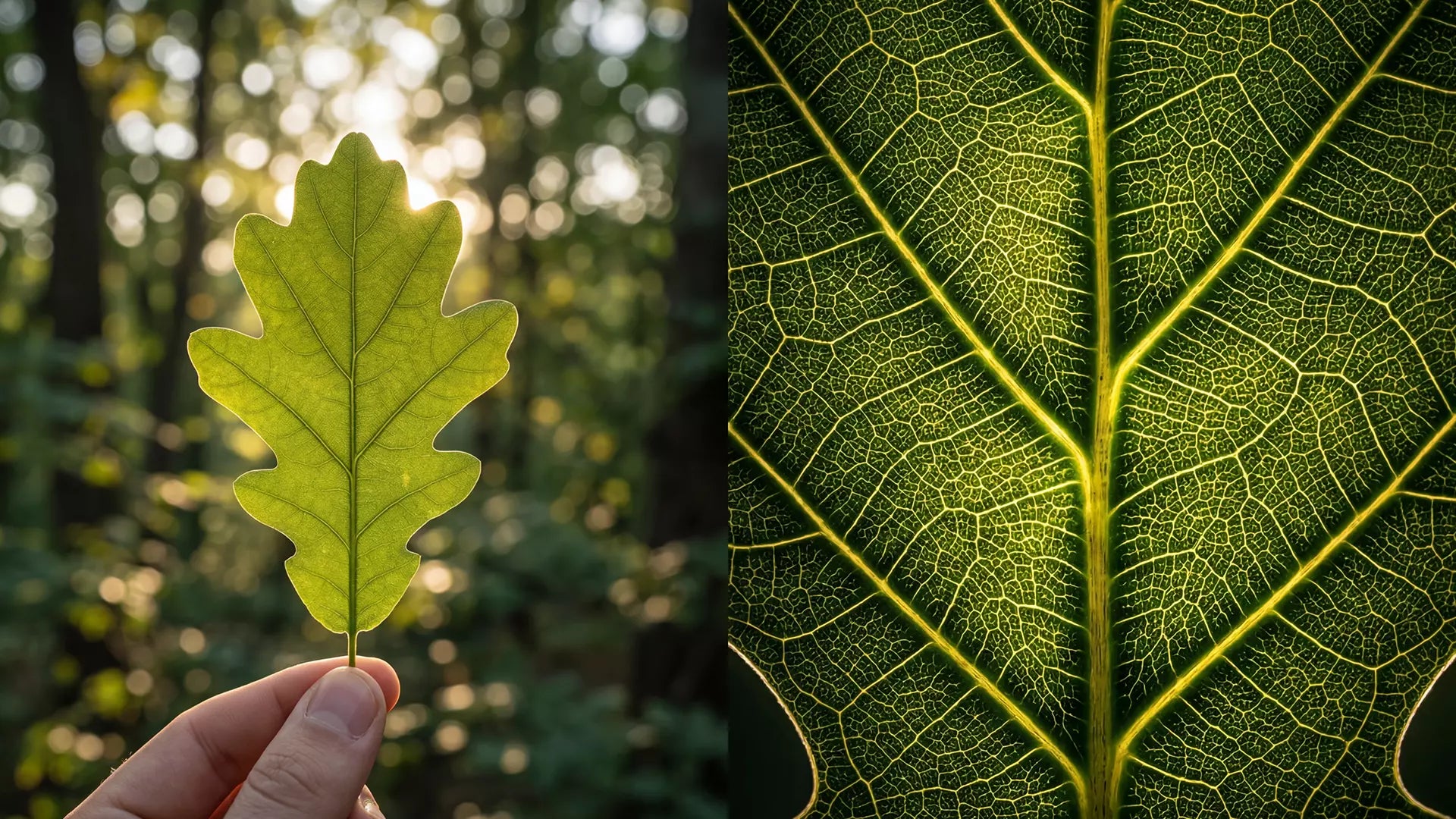
- Real texture capture (leaf veins, fibers, particles)
- No blurry digital zoom
Zoom shows more. Magnification shows truth.
2. Stability = Better Shots
Shaky hands = unusable photos.
Here’s what I use every time:
- Tripod or stand (included in most kits)
- Flat surface positioning
- Slow, controlled movement
Stability is the difference between amateur and “how did you shoot that?”
3. Lighting Changes Everything
Bad lighting kills detail.
Here’s what actually works:
- Shoot in soft daylight (morning or late afternoon)
- Avoid harsh noon sun
- Use side lighting to reveal texture
Quick example:
I shot the same leaf at noon and at 5pm.
At noon → flat and washed out.
At 5pm → veins looked 3D.
Same leaf.
Different light.
Completely different result.
How I Use MicroCam X1 (Step-by-Step)

No theory.
This is exactly what I do.
Step 1: Find Texture, Not “Pretty”
Stop chasing flowers.
Start chasing detail.
Look for:
- Leaf veins
- Tree bark cracks
- Moss
- Fabric fibers
- Soil patterns
Texture beats color every time.
Step 2: Get Closer Than Feels Normal
Most people stop too early.
I go until:
- The subject fills the frame
- Patterns become obvious
- It feels “too zoomed in”
That’s where the magic happens.
Step 3: Lock It In
- Use a stand
- Hold still for a second
- Tap to focus slowly
Small movements ruin macro shots.
Step 4: Shoot More Than You Think
I take 10–20 shots per subject.
Because:
- Tiny shifts change everything
- Focus varies slightly
- Lighting changes per angle
More shots = higher chance of a winner.
Real Example: 5-Minute Walk → Content Gold

I went out for a quick walk.
Nothing planned.
Saw a random leaf on the ground.
Most people walk past it.
I didn’t.
I used MicroCam X1.
Got close.
Captured the veins.
That one subject turned into:
- 3 Pinterest posts
- 1 Instagram Reel
- 2 blog images
One subject = multiple pieces of content.
Common Mistakes (Avoid These)

I’ve made all of these.
Don’t repeat them.
Shooting From Too Far Away
You lose detail instantly.
Ignoring Light Direction
Flat light = boring images.
Moving Too Fast
Macro requires patience.
Expecting One Shot to Work
You need multiple attempts.
FAQs
What is MicroCam X1 best used for?
Capturing extreme close-up details like leaf veins, textures, and small objects that phones can’t capture well.
Is MicroCam X1 better than a phone for macro?
Yes.
Phones use digital zoom.
MicroCam X1 uses real magnification, so results are sharper and more detailed.
Do I need experience to use it?
No.
If you can point and shoot, you can use it.
Results improve based on how close and stable you are.
Can I use MicroCam X1 for content creation?
Yes.
It’s one of the easiest ways to create unique, high-engagement visuals.
What should I shoot first?
Start simple:
- Leaves
- Bark
- Everyday textured objects
These give fast, satisfying results.